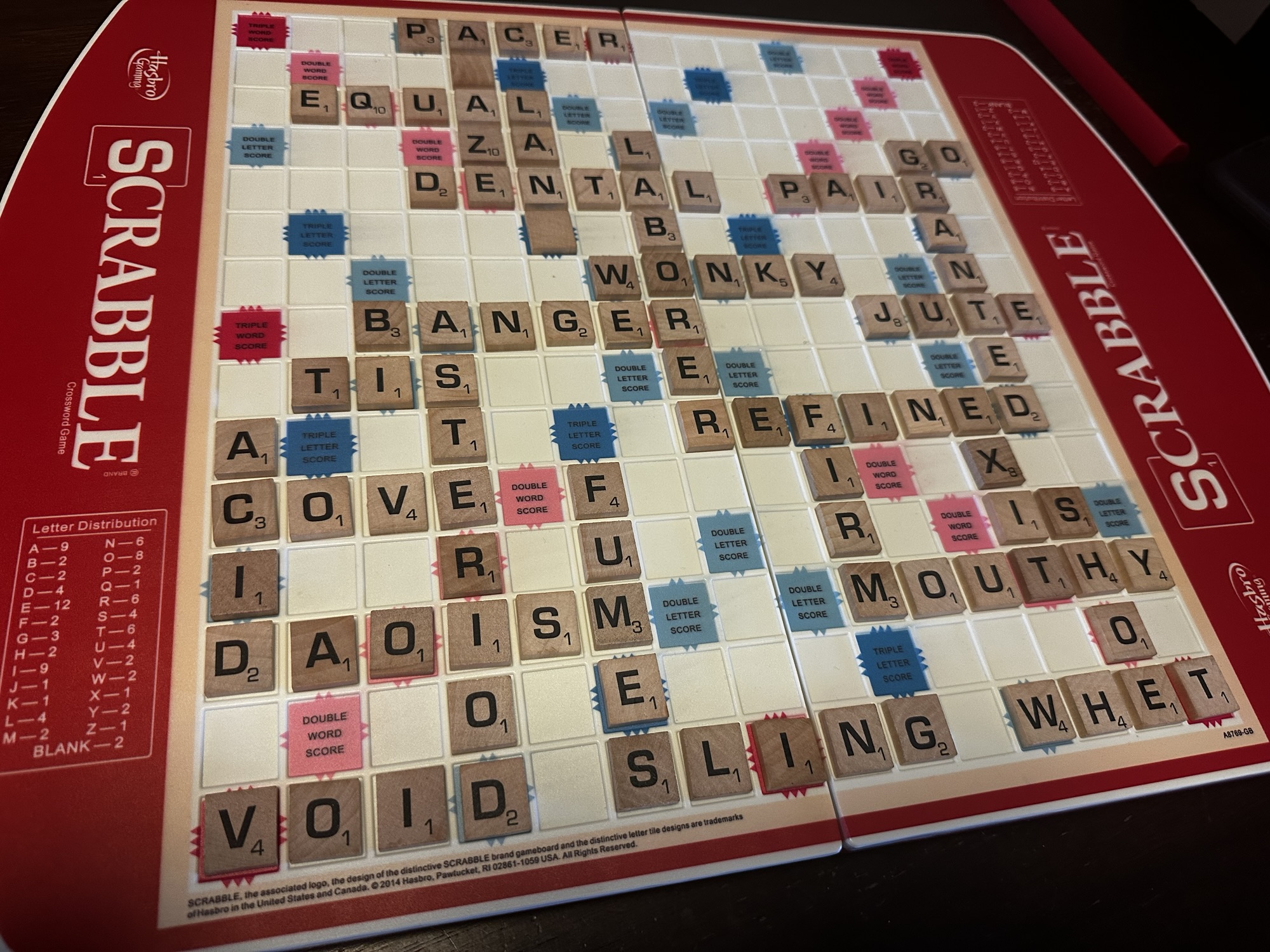
TL;DR: I made an app in Google AIStudio to keep score on Scrabble! It’s very lightweight, made with React, and uses Gemini API for word verification (overkill, I know, but this was a learning project).
Try it out here: lexiscore.bitdeserty.com
You can check out the project on my github.

Read on, if you’re interested in why and how I went about it.
Backstory
My friend and I play entirely too much Scrabble, and we’ve been using a Google spreadsheet that I made to keep score. It come with all of the awkward user experience that comes with a spreadsheet, especially on a tablet form-factor:
- Having to pinch-zoom and scroll around
- Tapping cells, try not to highlight the wrong cells, break formatting somewhere
- Mess up your pretty table borders when you make mistakes
- Run out of rows because you’re having a particularly long game, add some more in and break your formulas
And we use an agreed online dictionary to settle disputes, so having to switch between the Sheets app and a browser added further inconvenience.
I’ve been experimenting around with AI software engineering lately, so I decided that replacing my spreadsheet with a nice bespoke scoring app would be a good application for my AI development practice.
Here are some of my perspectives and takeaways from this little project:
Architect / Programmer
I’ve been fascinated with the new Gemini and ADKs released last month and this project presented an opportunity to focus my exploration and learning efforts on something specific.
So, I am using Google AIStudio to develop the project. It has some light IDE features, including Git integration which makes it easy to version control your projects. It also has integration with Google Cloud making it a snap to deploy the app with just a couple of clicks.
With Gemini 3 Flash as the base agent, the iteration cycle was extremely quick. Gemini 3 is streets ahead, but still needs to be code reviewed and supervised, as I experienced numerous instances of it changing code or refactoring things that had nothing to do with the task at hand, and it constantly wanted to fiddle with the UI. I think a lot of that can be managed with better prompts, but sometimes it would straight up ignore guardrails I put in place.
The word verification feature probably had the most architectural consideration. I actually tried several methods and left those methods in the app behind a config because I think they’re great to have. I considered:
- A local dictionary, with instant lookup as you type words (Implemented using ENABLE, an open-source word list)
- Official Scrabble word lists are copyrighted material and require licensing agreements to add to your app!
- I grabbed an open-source word list. Downside is that it doesn’t match official lists 100%.
- It’s a big file, which creates a host of its own problems.
- Connecting to a dictionary API, like Merriam-Webster’s (Next to implement)
- I actually like this idea, and they have free API access, you just have to register your app and request an API key.
- Con: It adds a point-of-failure.
- Using AI to verify words (Implemented using Gemini API)
- It’s so easy to just ask a black box for an answer.
- But you’re asking a black box for an answer. You’re giving up control and opening up the app for a lot of edge case BS and bad-actor abuse.
- There’s a cost for using the API. It’s tiny… I think I spent 26 cents to develop and test the app.. but it’s a cost and that’s a consideration.
I also got to play with tying in regression tests with the AI-assisted development. Putting an instruction in the system prompt to run regression tests and ensure tests are updated with every change made created a noticeable impact in the quality of the results. You do have to pay attention to the tests that are created, because some of them are laughably crap. But once they’re dialed in, the AI seems to respect to the results and adjust itself.
You also do have to watch the thought processes as they go, especially if it seems to be taking longer than usual for what should be simple tasks. I’ve caught Gemini getting completely sidetracked contemplating generational trauma and beekeeping. At least it’s entertaining.
Web Designer
My focus was on user-experience, since the reason I was doing this was because working in a spreadsheet was cumbersome. So I set out some requirements:
- Three panels with specific jobs
- The turn indicator.
- The scoresheet.
- The leaderboard.
- Just a scoresheet. It doesn’t keep track of tiles, the board, racks, etc. Keep it simple.
- Some effects to enhance exciting moments
- When there is a change in lead, the app will move the view to the leaderboard and show an animation of the move in standings.
- When a player Bingos a word, there’s a little confetti pop and the word is highlighted in the list.
- I don’t want to scroll around the app during quick play
Project Manager
The Project Manager was out of office for the holiday. This project had no board set up, no documentation.
Maybe when she comes back, she can set up at least a place to track the bugs and remaining features to develop.
State of the Game – Project Owner
LexiScore did hit “MVP” and has delivered the base features needed and has already replaced the spreadsheet.
It has a domain now, so it’s easy to get to and use.
There are a couple of features I’d still like to implement:
- Word verification via calls to Merriam’s dictionary API, configurable.
- I’d like to investigate making it a progressive app / downloadable to mobile devices?
And there is still some UI/UX polish that needs to happen
- Looking at it for the first time, it’s still not super obvious how to use. I need to put it in front of some new users and see how they interact with it.
- I’m still not totally happy with some of the view handling. I’d like it to be smarter about where it leaves the user looking. Screen space is tight on mobile, so that’s driving a lot of the complexity.
It was an interesting and fun project to do during the holiday break, I learned a lot, and I got to use some new tech, as well as some tech I don’t interact with much:
- AI-assisted coding, with Google AIStudio
- Web development and deployment
- React and TypeScript
- Google Cloud
- The WordPress platform
- AI regression tests
I’m happy with the result and it feels good to finish a project.